Video editor
Trim a recording, add titles and zoom in on what matters.Then export a high-quality MP4.
What it is
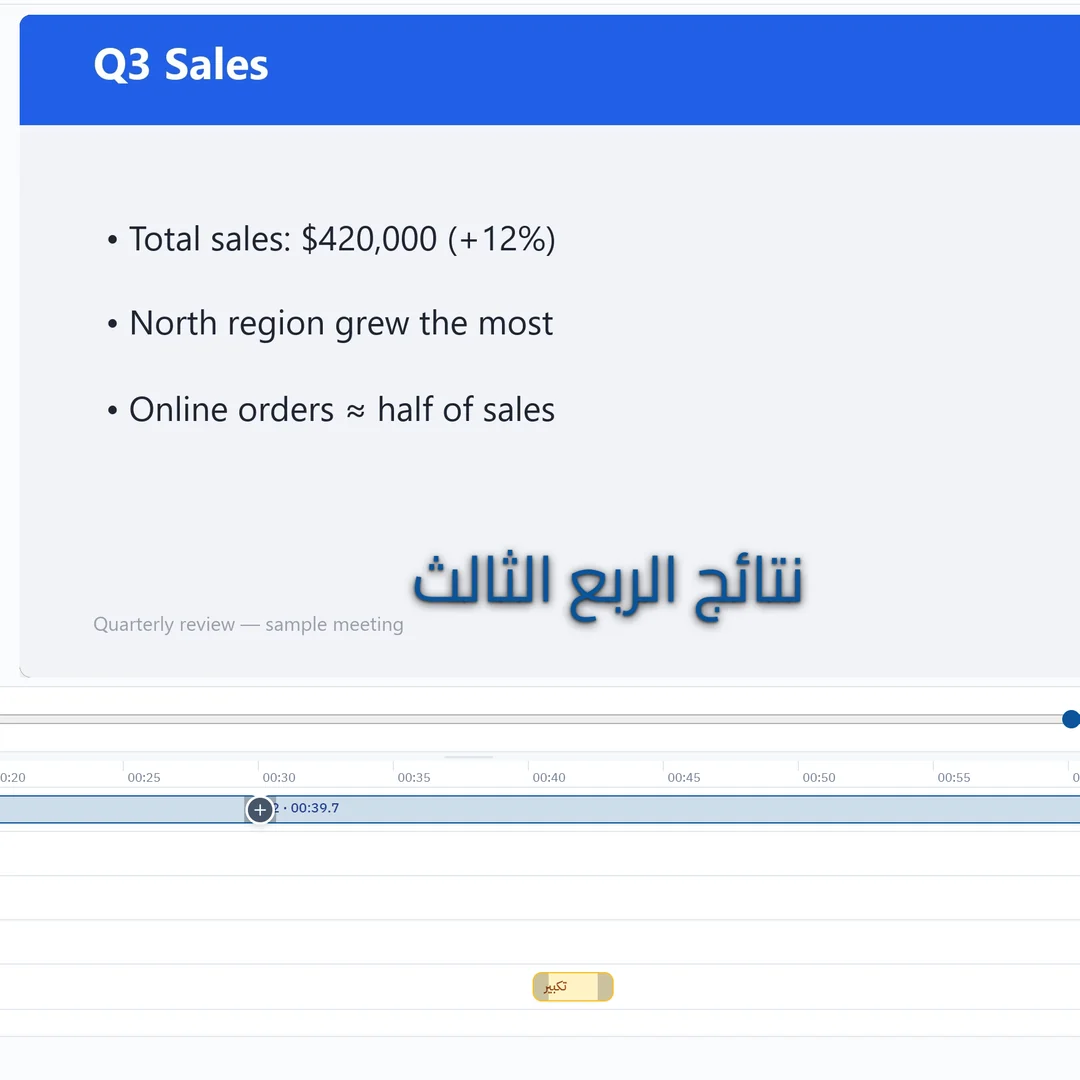
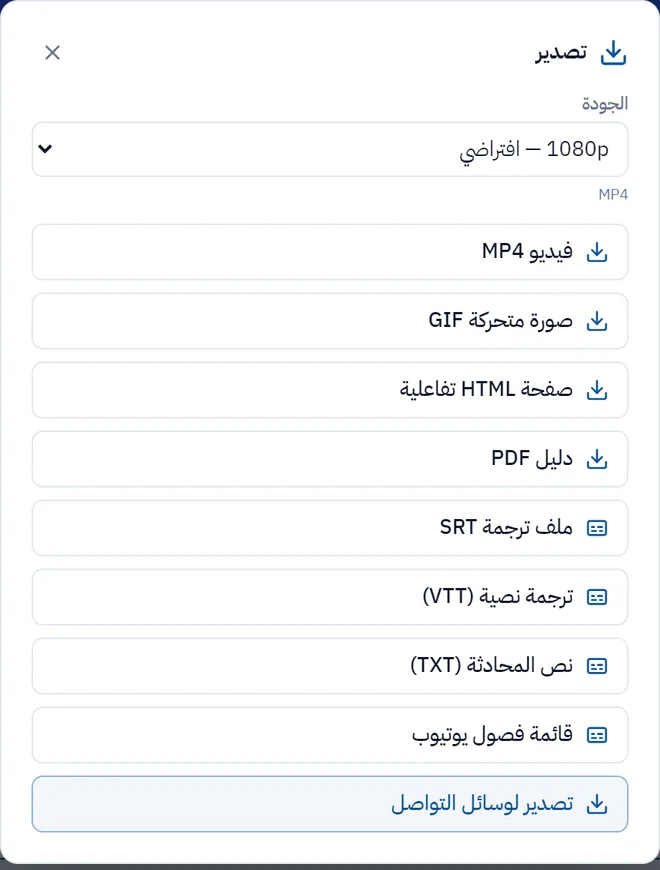
Edit your recording inside Laqtta: cut what you don’t want, add an animated title and text on the video, zoom in on what matters, then export a high-quality MP4, a GIF, an interactive HTML page or a PDF guide.
How it works
The screenshots show Laqtta in Arabic. Switch the app to English in Settings and the same buttons read in English.
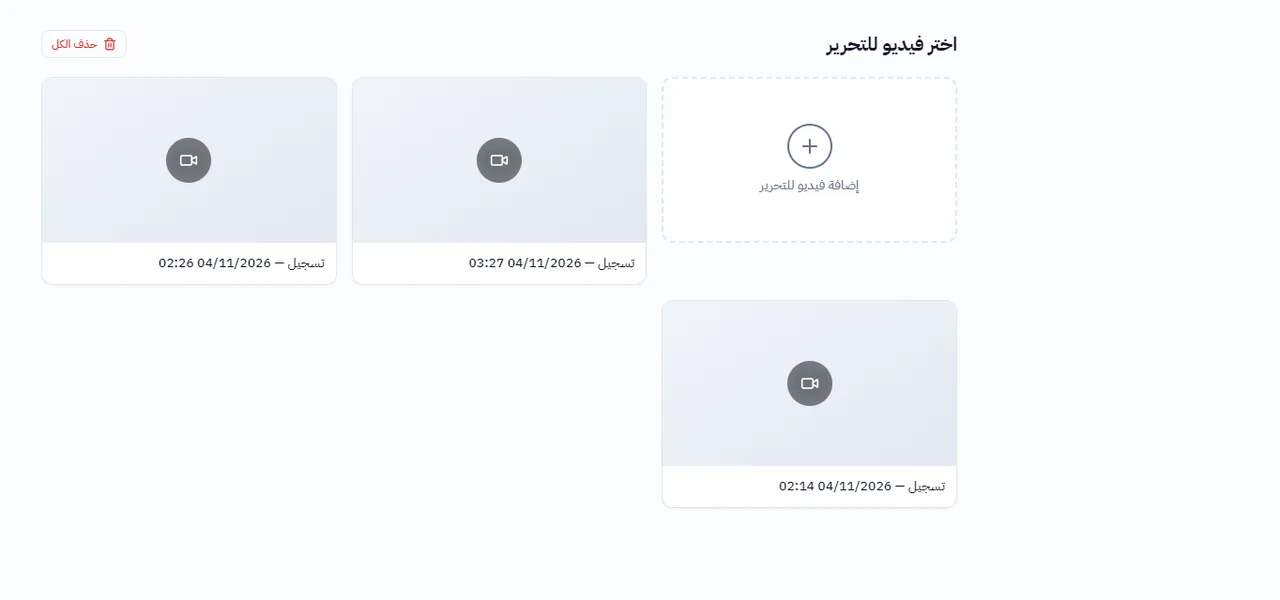
Open the «Video editor» and pick a recording, or «Add a video to edit» for one from your PC.
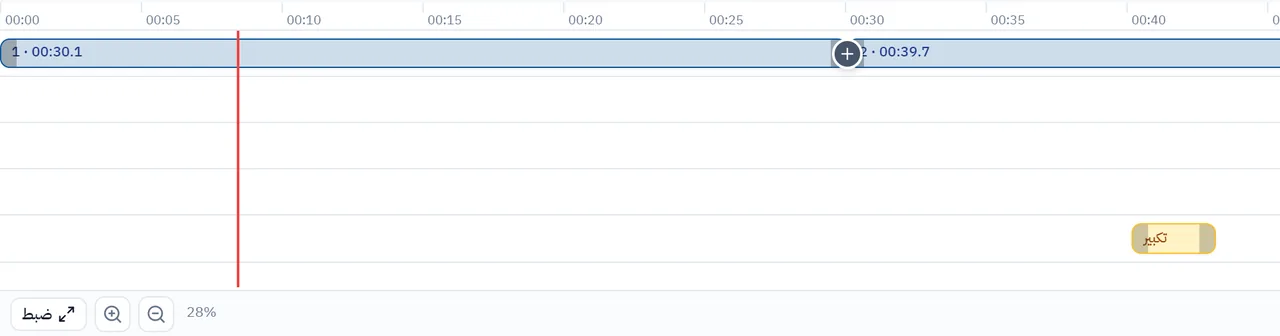
Put the playhead where you want and press «Cut here»; the clip splits and you can delete the extra part.
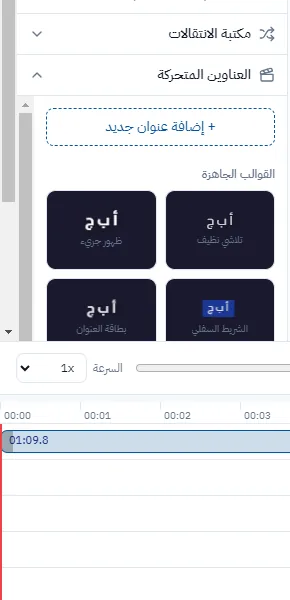
In «Animated Titles», pick a style and type the title.
Pick the zoom tool and draw on the preview around what matters; a «Zoom» block appears on the timeline with a start and an end.
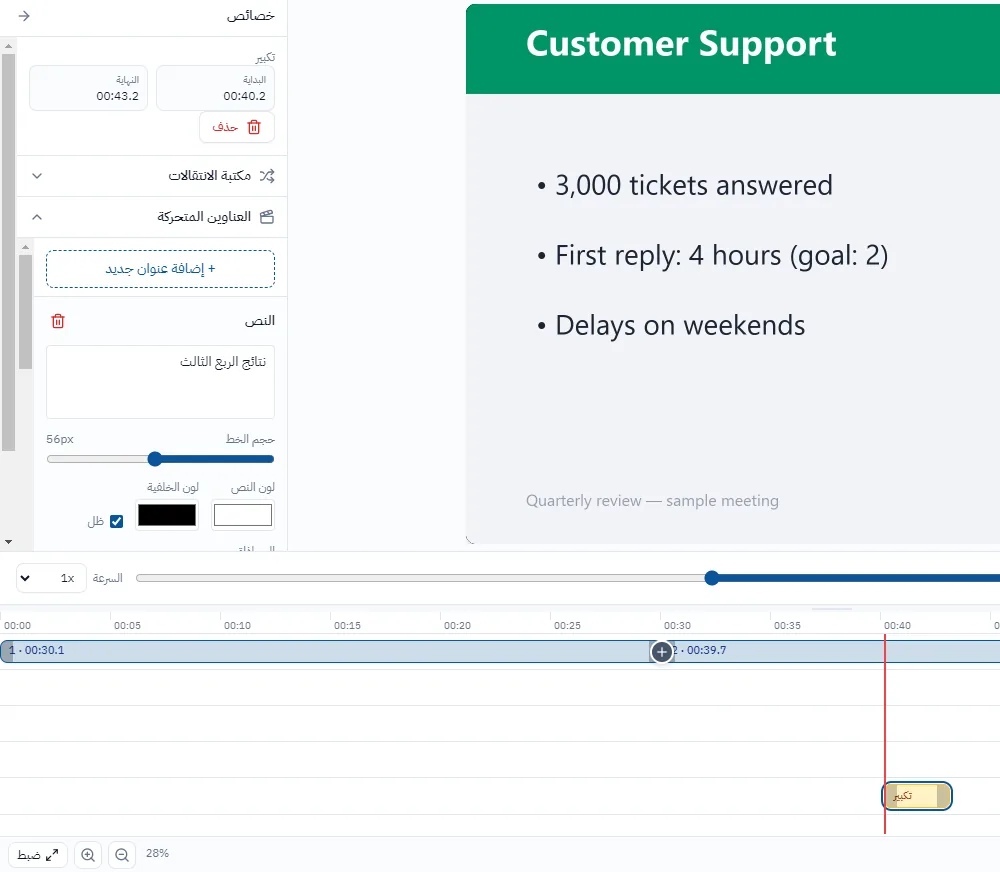
Press «Export» and choose «MP4 video» or another format.
When it helps
- Trim the extra start and end of a walkthrough before sending it.
- Add a clear title to each section of a training video.
- Zoom in on a small button so viewers can see it on a phone.
- Export the walkthrough as an interactive HTML page with chapters for people who skip long videos.
Related features
Download Laqtta
Windows · every feature for 7 days with no sign-up, then free forever