Where a capture came from
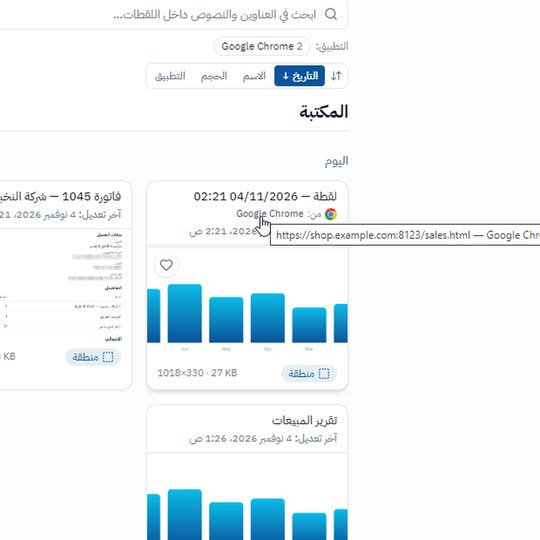
Every capture remembers the app and the web address it came from.Open the source again in one click.
What it is
Every capture remembers the app and window it came from, and the page address when it came from a browser. It shows under the card title as «From: …», and opens the page again in one click. This stays in your library on your PC only, and you can turn it off in Settings («Save the source (app, window, page) with each capture»).
How it works
The screenshots show Laqtta in Arabic. Switch the app to English in Settings and the same buttons read in English.
Capture as usual. Under the card title in the «Library» you see «From:» and the app name.
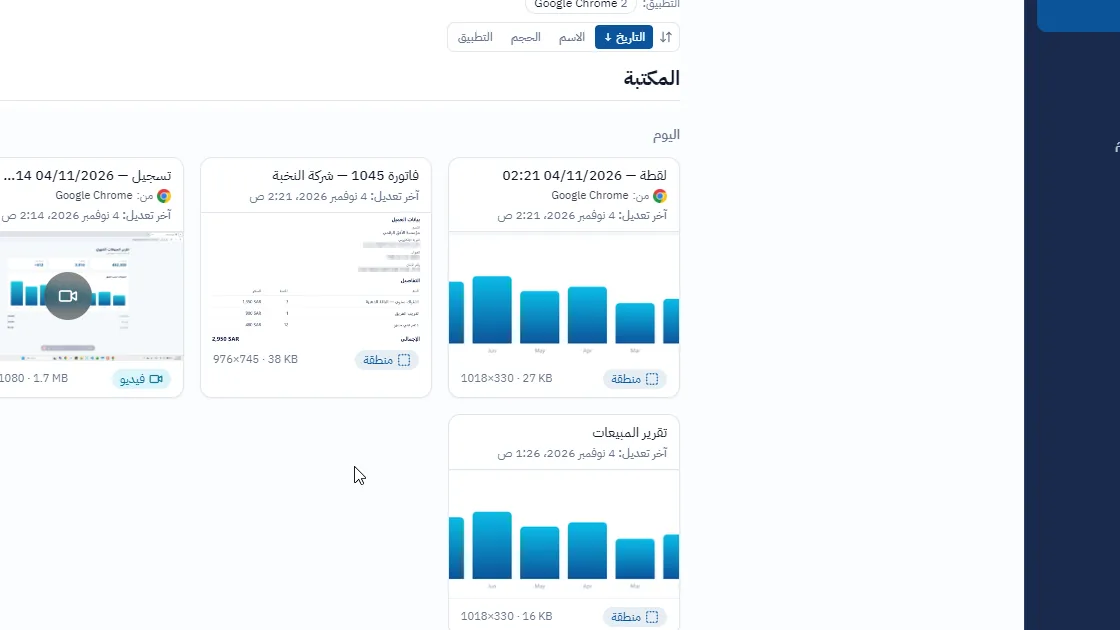
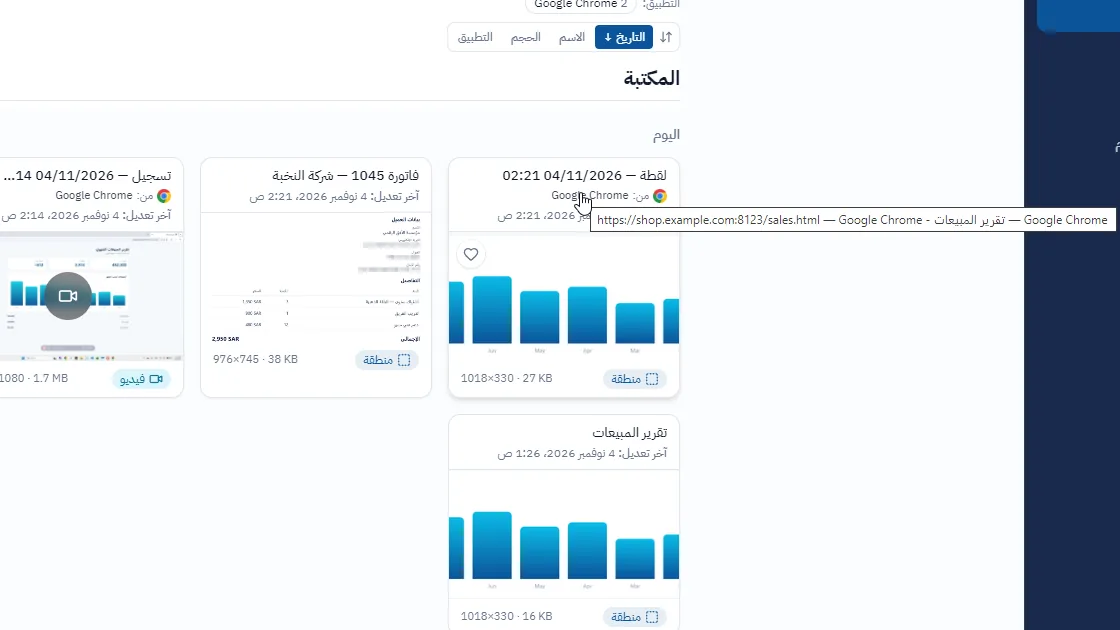
Hover over the source to see the full address and page title.
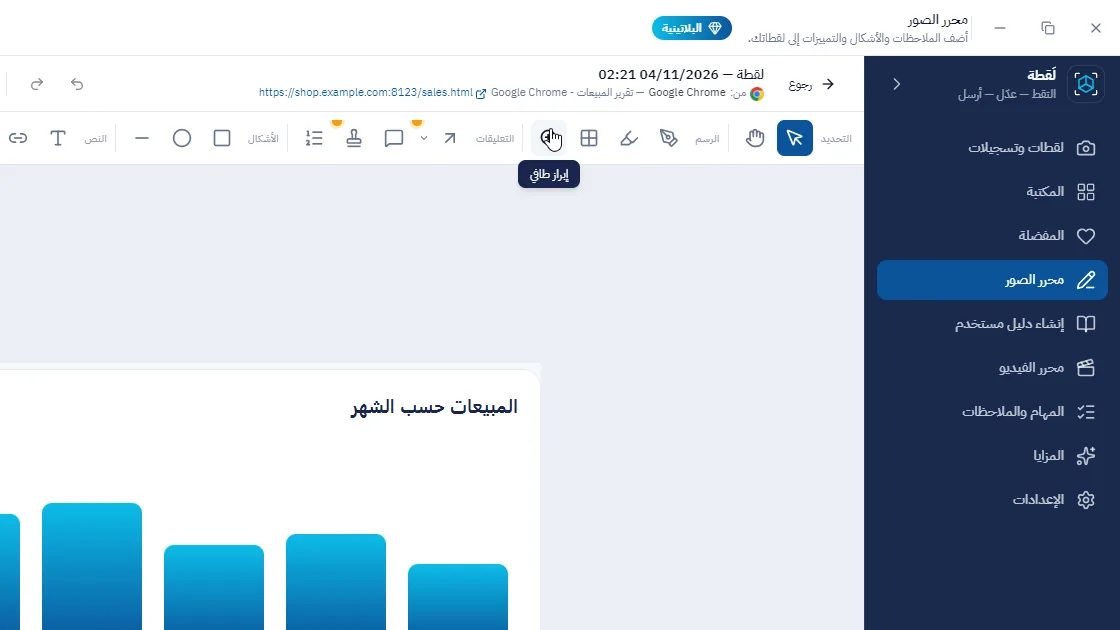
In the editor the address sits under the capture name; click it to open the page.
When it helps
- Go back to the product page you captured a price from a month ago.
- Know which system an error capture came from before you send it to support.
- Filter the library by app: all your Excel or Chrome captures together.
Related features
Download Laqtta
Windows · every feature for 7 days with no sign-up, then free forever